
You spent thousands on the screen.
Don't lose it on a $12 cable.
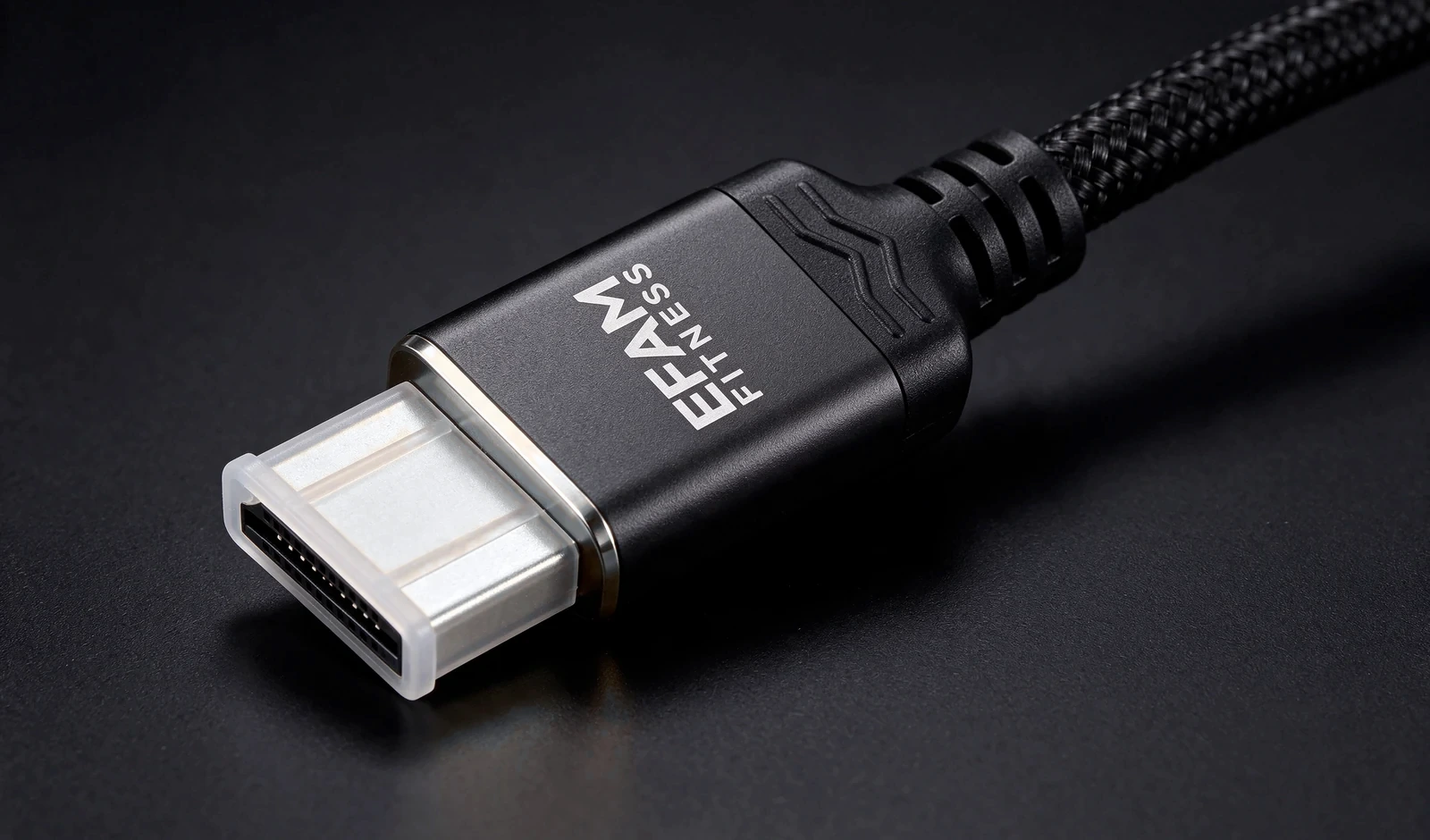
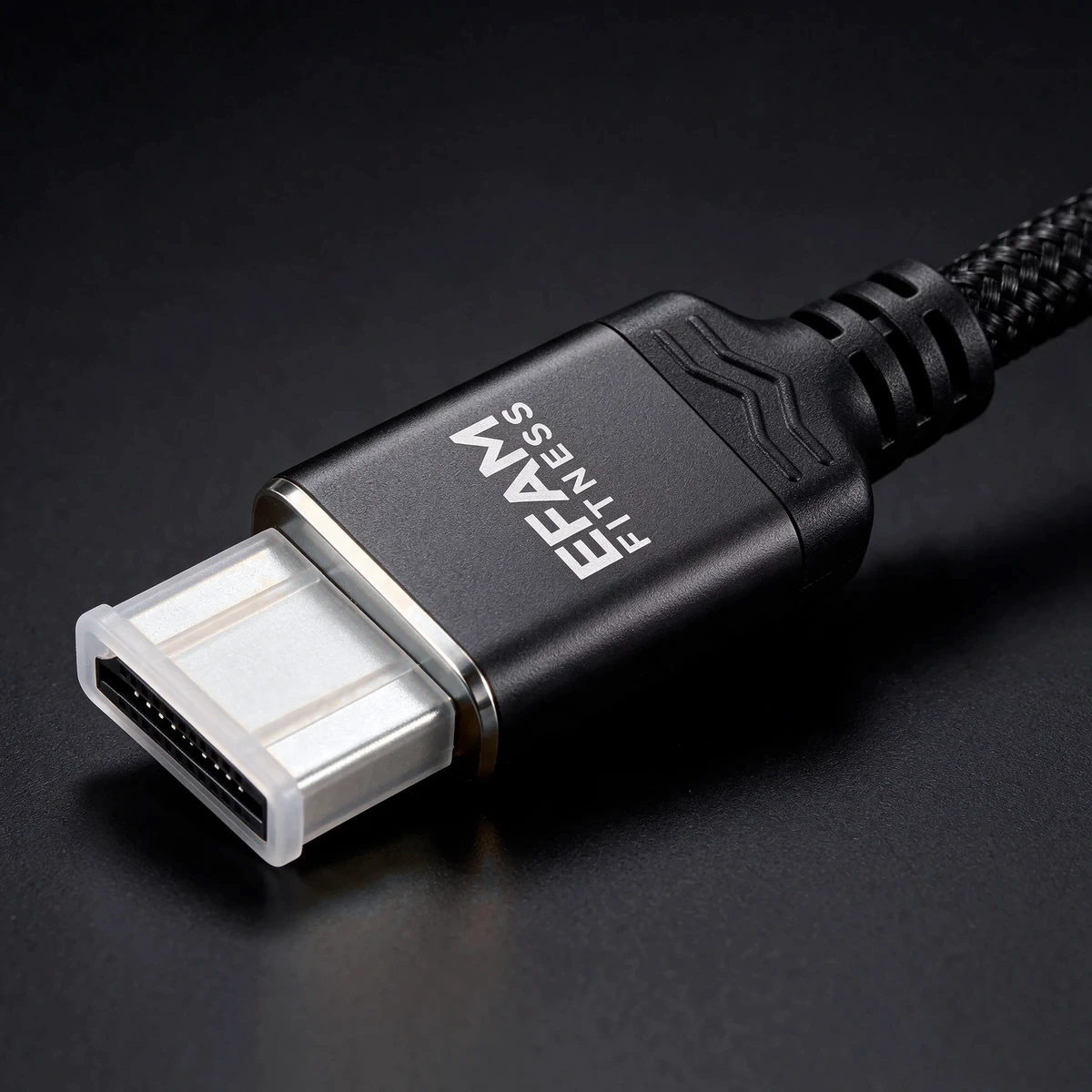
A cable that can't carry the bandwidth quietly caps your TV, console or gaming laptop at 60Hz, drops the signal, or black-screens at the worst moment. EFAM cables are the ones I run on my own setup — supplier-rated 48 Gbps, braided, and backed by a 2-year replacement warranty.
Grand opening prices. Delivery included.
Pick the length for your setup — console under the TV is 1m, laptop-on-the-desk-to-monitor is 1.5m, wall-mounted TV or desk-to-shelf is 2m. All prices are in AUD and include tracked delivery anywhere in Australia.
Grand opening prices until 31 December 2026. From 1 January 2027 the regular prices apply: 1m $39, 1.5m $49, 2m $59, 1.5m 2-pack $89.
- Console / soundbar to TV
- Braided jacket, metal-shell connectors
- 2-year replacement warranty
- Gaming laptop / PC to monitor or TV
- The length I use laptop-to-TV
- 2-year replacement warranty
- Wall-mounted TV, cabinet runs
- Reach without the stretch
- 2-year replacement warranty
- Console + PC, or TV + monitor
- One for the lounge, one for the desk
- 2-year replacement warranty on both
Small batches, hand-checked. When a length sells out it'll show here as sold out rather than back-ordered.
Your setup is only as fast as its weakest link.
Modern TVs, consoles and gaming laptops talk HDMI 2.1. If the cable in between can't carry the bandwidth, the devices quietly agree on something slower — often 4K at 60Hz — and you never get what you paid for. The fix isn't a $400 cable. It's a properly rated one (and checking your ports and settings — see the FAQ).
Screenshots will be real captures from TJ's own laptop, not renders — the only thing swapped between the two is the cable.
What the rating actually means for you.
We don't do marketing numbers. Here's what the supplier rates the cable for, and what that can get you on real gear. Supported resolution and refresh rate always depend on the source, the display, the HDMI port and your settings.
Backwards compatible with HDMI 2.0 / 1.4 devices — it just runs at whatever the slower device supports. Note on numbers: "96 Gbps" refers to the newer HDMI 2.2 (Ultra96) category, a different product class. These are 48 Gbps-class cables, which is the HDMI 2.1 tier. Source: HDMI.org.
What I actually run it on.
Not a lab claim — this is my own setup, reported as I see it on screen.
4K at 120Hz — TJ's reported setup result with this cable (laptop HDMI out to the TV's HDMI 2.1 port). Screenshots above once captured.
8K@60Hz, 4K@60Hz, Dynamic HDR, 48 Gbps, HDMI 2.1 — as listed by the manufacturer (order model A374). Not independently certified.
No formal Ultra High Speed certification label, no 96 Gbps, no 8K@120Hz. If we haven't seen it ourselves or on the order sheet, it isn't on this page.
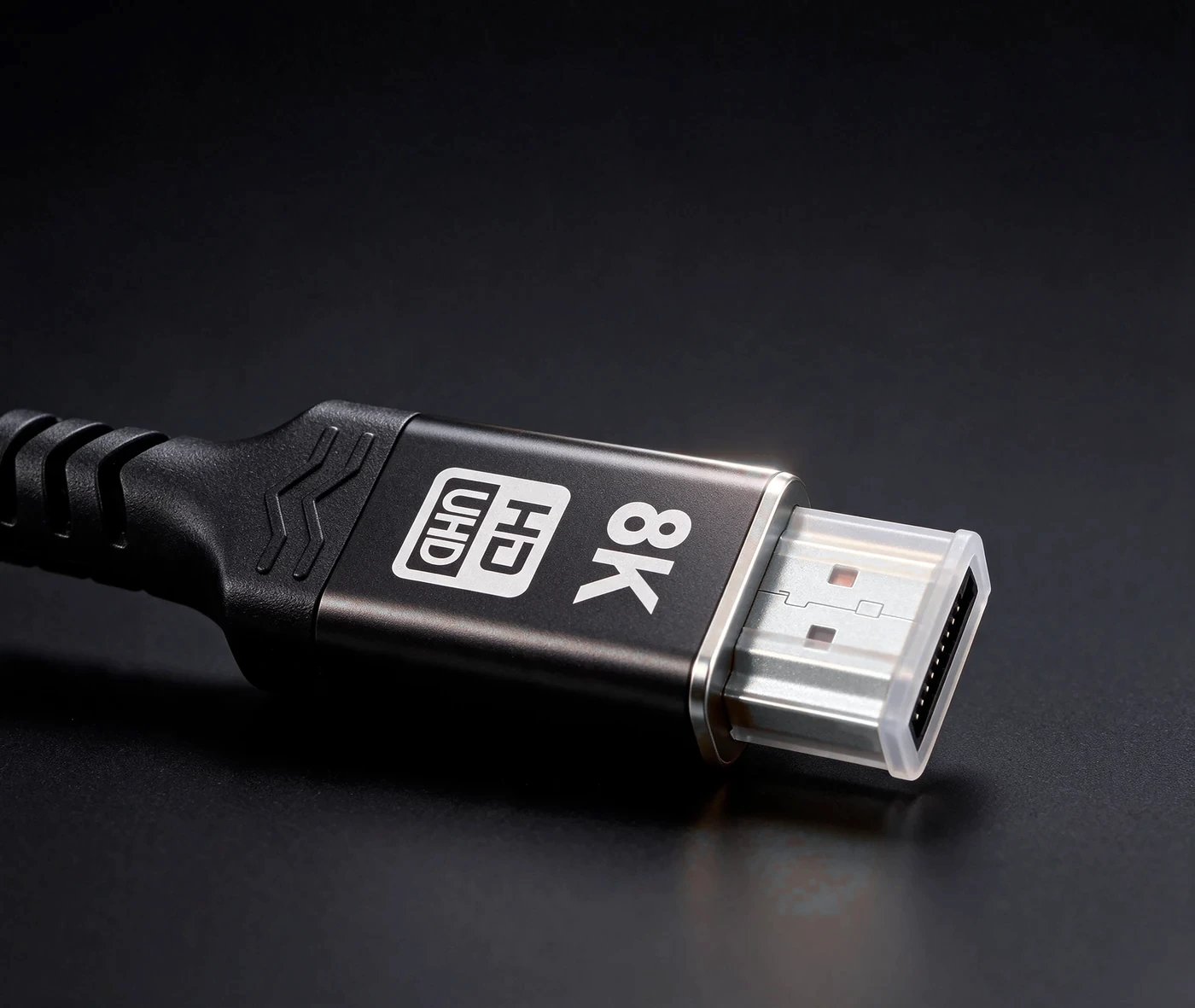
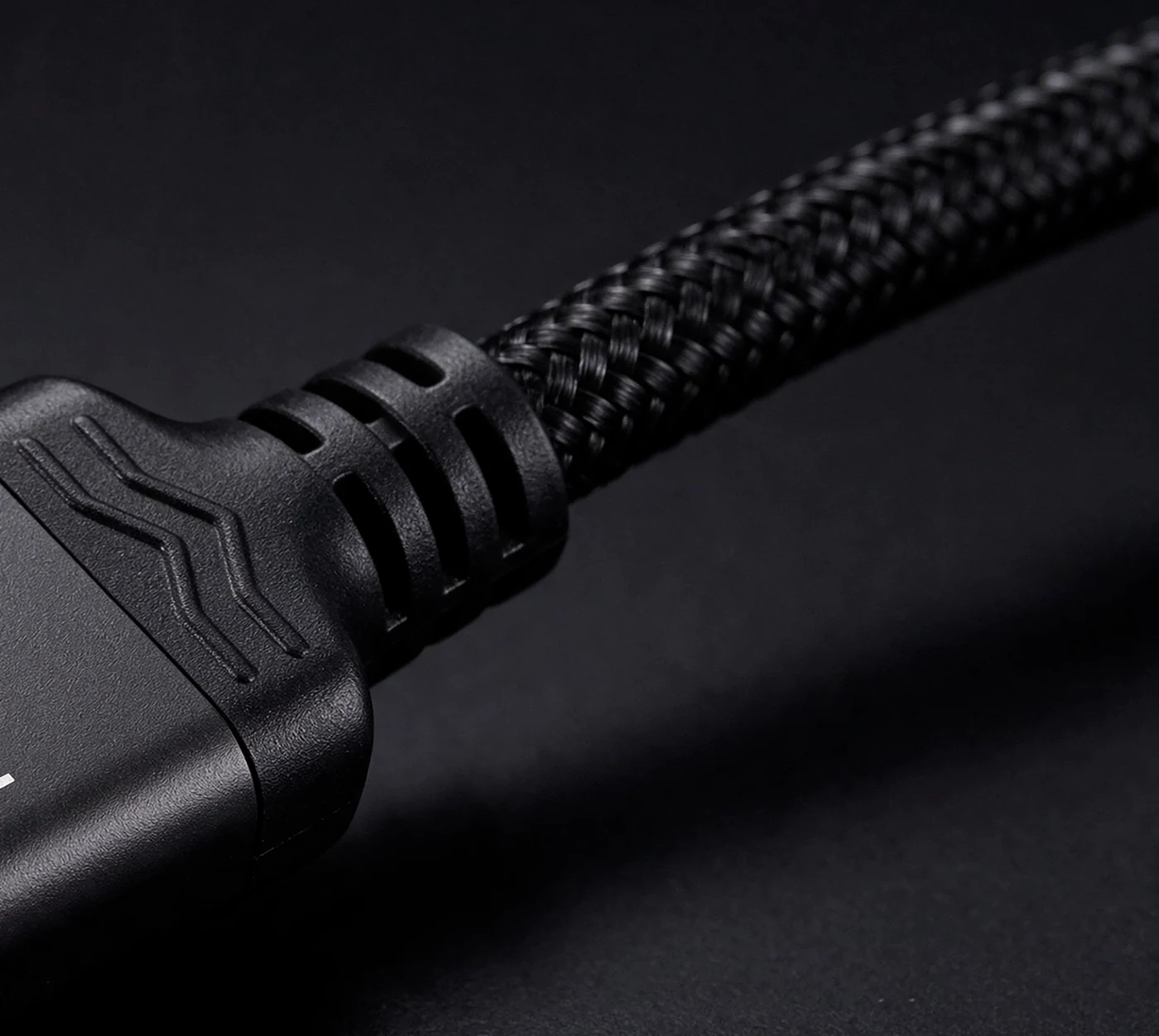
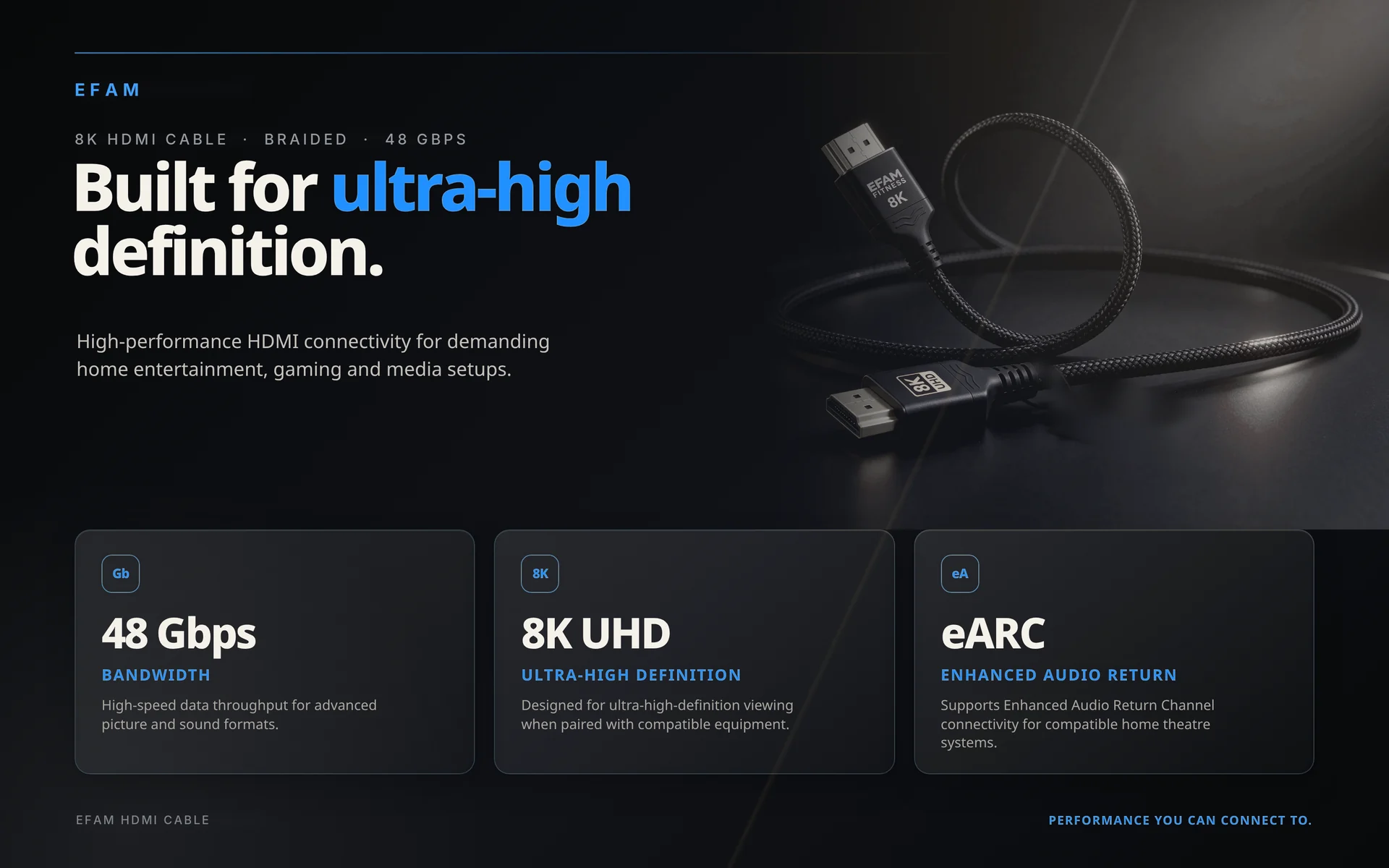
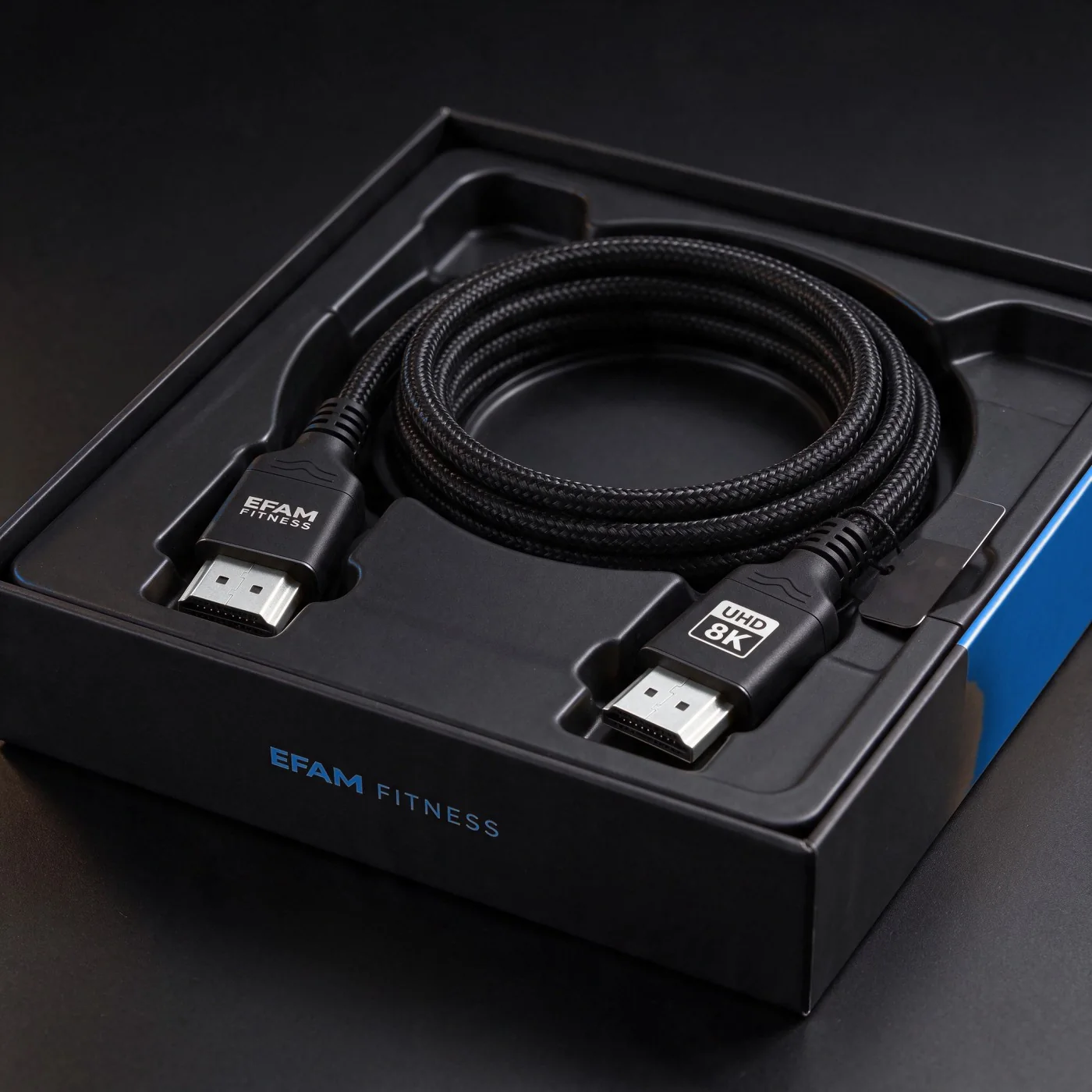
About the pictures: some images on this page are AI-generated and some are real photos with AI touch-ups. The cable you receive may look slightly different, including the colour of the connector finish, which shifts between silver and pale gold depending on the light.
If it fails, you get a new one. Simple.
Cables shouldn't die. If an EFAM cable stops carrying the signal it's rated for within two years of purchase, we replace it. Here's exactly how it works, so there are no surprises.
Not covered: cut, crushed, chewed, bent-to-breaking or burnt cables, connectors forced in the wrong way, or damage from other faulty equipment. Standard wear from normal use is fine. Warranty runs 24 months from the delivery date and applies to the original purchaser. This is in addition to your rights under Australian Consumer Law.
Quick answers.
My console / laptop only shows 60Hz — will this fix it?
Maybe — check four things in order: (1) the source is set to 120Hz / "performance" output; (2) you're plugged into a TV port that supports HDMI 2.1 at 120Hz (often only one or two ports, sometimes labelled 4K@120 or eARC); (3) the TV's enhanced HDMI / "Input Signal Plus" / Game Mode setting is on for that port; (4) the cable is rated for 48 Gbps. If 1–3 are right and it's still 60Hz, the cable is the remaining suspect, and a 48 Gbps-rated cable like this is the fix. If it still doesn't, email us.
Do I need 2m or is 1.5m enough?
Measure plug to plug along the path the cable will actually take (behind the stand, round the corner), then add 20cm so it isn't under tension. Most desk setups are 1.5m; most wall-mounted TVs need 2m.
How is it delivered and how long does it take?
Tracked Australia Post from Melbourne. Metro usually 2–4 business days, regional a bit longer. Delivery is included in the price — no surprise at checkout.
Is it HDMI 2.1 "Ultra High Speed" certified?
No certification label is claimed. The supplier lists it as a 48 Gbps HDMI 2.1 cable and TJ runs it at 4K@120Hz on his own setup; we have not had it tested by HDMI Licensing Administrator. If you need the official certified label for a specific job, this isn't the cable to buy — we'd rather tell you straight.
Can I buy more than one?
Yes — grab the 1.5m 2-pack and save $11, or email for a quote on larger quantities (installers, offices, gyms).
Talk to a human (that's me, TJ).
Not sure which length, or want a few for a job? Email and I'll answer myself.
Email efamfitness@gmail.com